Introducing Huma-2
Add a real-time TruGen avatar to your LiveKit voice agent in minutes
Bringing real-time avatars to your LiveKit voice agents with TruGen
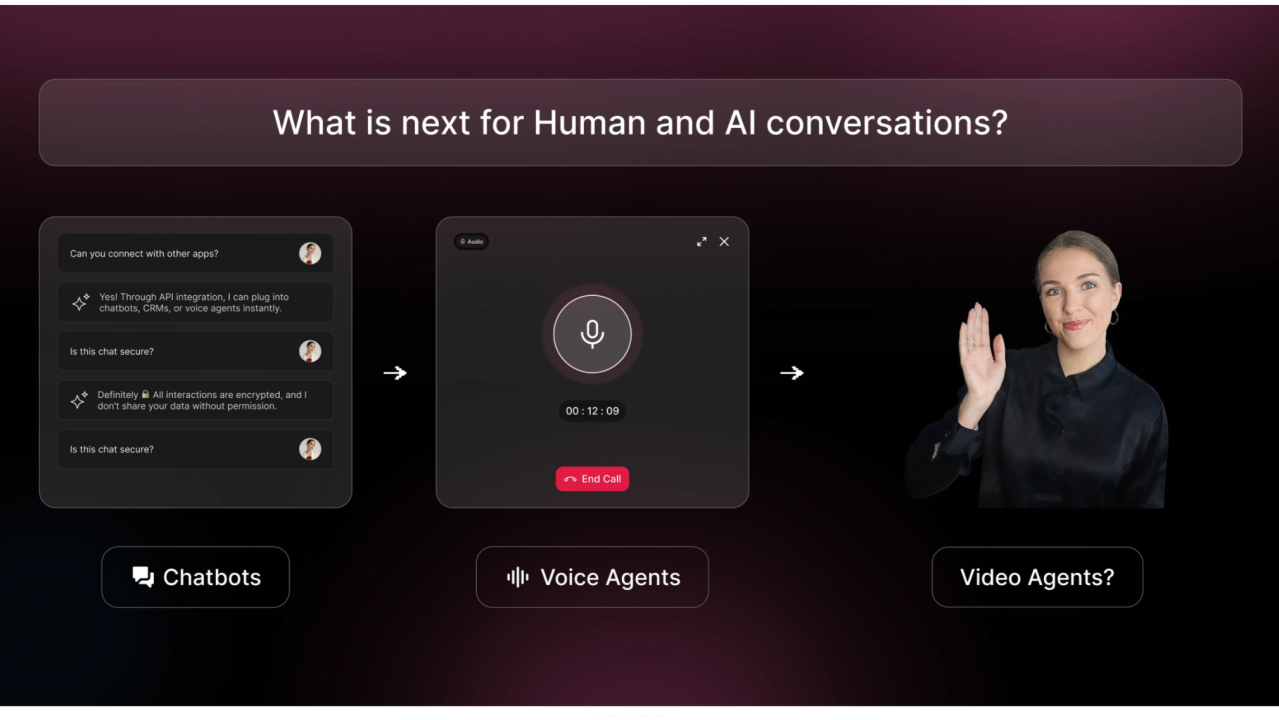
Voice AI has come a long way. Conversations are faster, smarter, and more context-aware than ever. But if you've built a voice agent on LiveKit, you've probably noticed that something still feels missing — your users can hear the agent, but they can't see it.
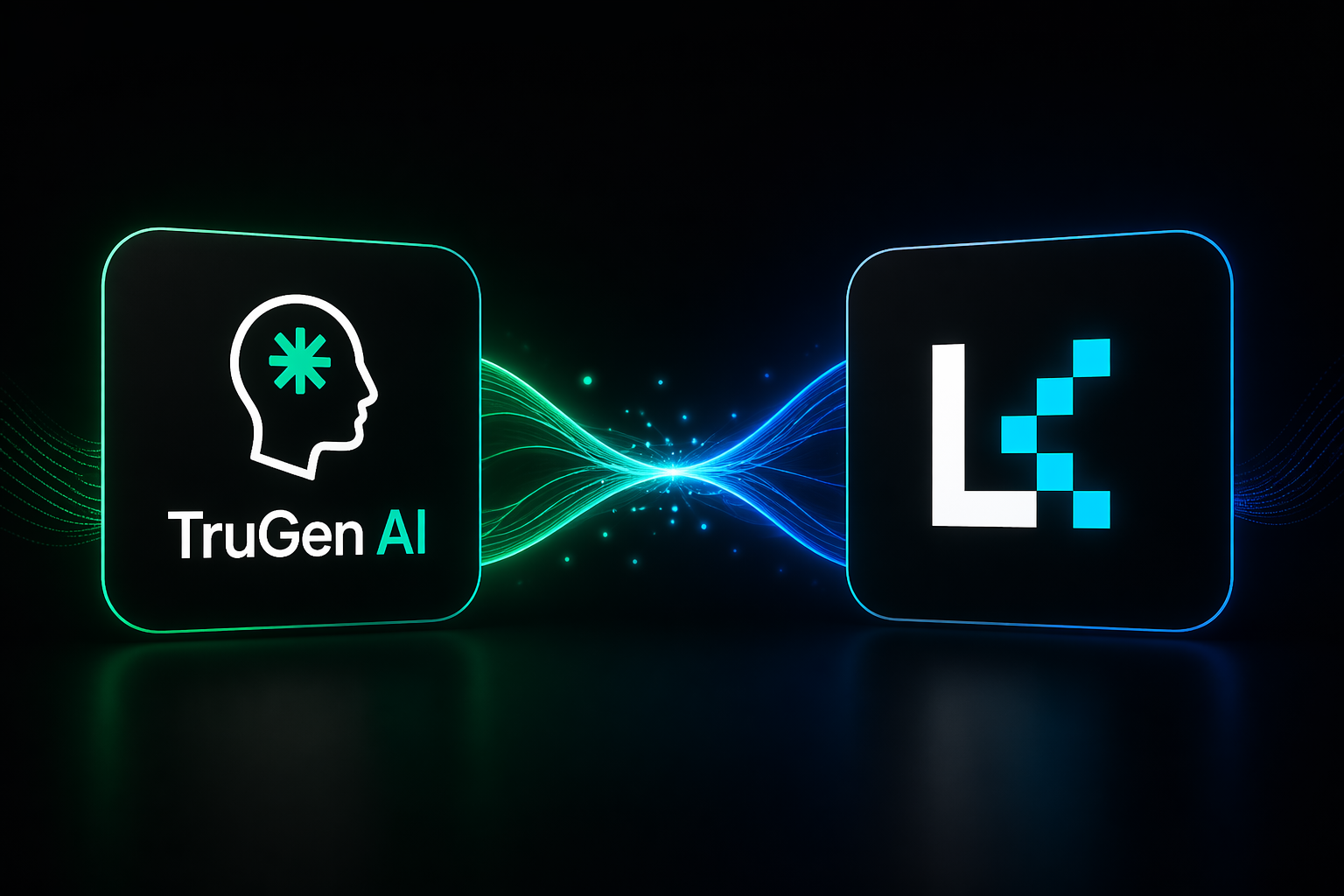
That's the gap the TruGen LiveKit plugin is designed to close.
Why visual presence matters
Humans don't just communicate through words. We rely on facial expressions, lip sync, eye contact, and the timing of responses to establish trust and engagement. Without a visual layer, even the most capable voice agent can feel cold or robotic — not because of what it says, but because of what it doesn't show.
Adding a real-time avatar to your agent isn't a cosmetic improvement. It fundamentally changes how users experience the interaction.
What the TruGen plugin actually does
The TruGen plugin extends LiveKit agents with real-time avatar rendering and video streaming — baked directly into the same room your agent already occupies.
Here's the clean separation of responsibilities:
Your LiveKit agent continues to handle STT, LLM reasoning, and TTS as usual.
TruGen's AvatarSession connects to the avatar rendering service, streams video into the room, and keeps it synced with your agent's speech output.
The LiveKit room carries both audio and video to the user — no extra delivery layer needed.
The result is a synchronized experience where the avatar's lip movements match the speech, video streams continuously, and interaction latency stays low.
Getting started in Python
If your agent is Python-based, integration is a matter of a few added lines:
bash
pip install "livekit-agents[trugen]~=1.3"python
from livekit.plugins import trugen

async def entrypoint(ctx: JobContext):
    session = AgentSession(
        # your existing configuration
    )

    avatar_id = os.getenv("TRUGEN_AVATAR_ID") or "45e3f732"
    trugen_avatar = trugen.AvatarSession(avatar_id=avatar_id)
    await trugen_avatar.start(session, room=ctx.room)

    await session.start(
        # start agent session as usual
    )
Whether you're running FastAPI, LangChain, a custom RAG pipeline, or anything else — none of that changes. You're adding one abstraction on top.
Getting started in Node.js
The same approach works for Node.js-based agents:
bash
pnpm add @livekit/agents-plugin-trugenjavascript
const avatarSession = new AvatarSession({
  avatarId: process.env.TRUGEN_AVATAR_ID,
  apiKey: process.env.TRUGEN_API_KEY,
});

await avatarSession.start(agentSession, room, {
  livekitUrl: process.env.LIVEKIT_URL,
  livekitApiKey: process.env.LIVEKIT_API_KEY,
  livekitApiSecret: process.env.LIVEKIT_API_SECRET,
});
Install, initialize, start — and the avatar is live in your room.
What you don't have to worry about
This is worth calling out explicitly. The plugin handles:
Avatar rendering pipeline management
Audio-to-facial-movement synchronization
Reliable video streaming
Coordination between the avatar service and your agent
You interact with a single abstraction — AvatarSession — and the rest is taken care of.
What this unlocks
A real-time visible agent opens doors that voice-only can't:
Conversational AI interfaces that feel more natural and engaging
Interview and assessment tools where candidates interact with a visible, present interviewer
Education and tutoring where visual delivery improves comprehension
Customer-facing agents that feel approachable rather than transactional
Modular by design
The plugin doesn't replace your AI stack. It sits on top of it. You keep your LLM, your STT provider, your TTS engine — whatever you're already using. As long as it works with LiveKit Agents, TruGen slots in without any redesign.
Ready to add a face to your agent?
The full integration guide — covering both Python and Node.js, with complete code examples and environment setup — is available in our documentation:
https://docs.trugen.ai/docs/voice-to-video/livekit
If you're already running a LiveKit agent, you're only three steps away from a fully visual AI experience.